













































































































Quick Summary :- Top Node.js IDEs including Visual Studio Code, WebStorm, Eclipse and more, enable faster coding, smarter debugging, and efficient application development.
Node.js IDE has paved its way into the market and is most commonly used by programmers for robust JavaScript runtime. It allows programmers to handle asynchronous and side-by-side development functions easily.
In fact, Visual Studio Code stands out as the most popular IDE, with 75.9% of developers actively using it. In this article, we list the 10 Best Node.js IDEs for Application Development in 2026, covering cloud-based IDEs, lightweight editors, and enterprise-ready tools.
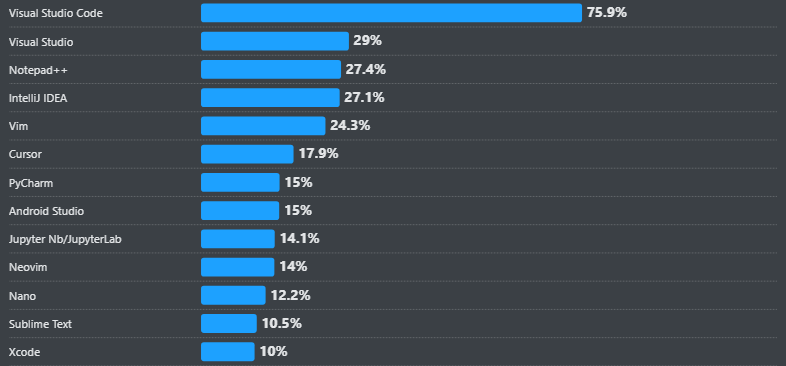
The developer requirement to have control over the script from editing to debugging is fulfilled with the help of an integrated development environment (IDE). A Premium Node JS Development Agency can help you in this regard.
An IDE integrates different aspects of coding, such as source code editor, a code debugger, compiler, etc. The upgraded IDEs are stepping ahead by providing authoring, compiling, deploying, and debugging software code.
Node.js IDE works on a single programming language, i.e. JavaScript. The features like an increase in development speed and efficiency are the reasons to choose Node.js For Web App Development.
10 Best Node.js IDEs for App Development
Each IDE listed below is evaluated based on performance, extensibility, debugging capabilities, and real-world Node.js development use cases.
1. Virtual Studio Code

The virtual studio code is a node.js application development tool developed by Microsoft. It is an open-source that allows developers to compile the code and edit it smoothly.
This tool is considered as the best node.js IDE for its extensive range of plugins and extensions to support different programming languages such as JavaScript, Python, C++ and more.
The expanded ability to run code on all operating systems like macOS, Linux, and Windows, make it stand out from other IDEs. Also, the Node.js v25 supports this kind of IDEs.
2. Webstorm

The server-side application development with Node.js can be achieved by Webstorm. This popular tool is built by JetBrains for the JavaScript framework.
Webstorm provides a smart code completion, error-detection, automated and safe refactorings, and some more features. Apart from JavaScript, it supports React, HTML, and CSS programming languages.
The updated version of the webstorm has support for Node.js specific tools in Linux. Furthermore, it has features like debugger, VCS, terminal, etc.
Webstorm Characteristics:
- Navigation and search
- Plug-in ecosystem
- Built-in terminal
- Seamless tool integration
- Intelligent coding assistance
3. IntelliJ Idea

IntelliJ Idea is another IDE developed by JetBrains to maximize developer productivity. This is a robust tool for building web applications using any programming language such as Node.js, JPQL, HTML5. and more.
It is considered to be the productivity booster and developer ergonomics, which makes the coding experience favorable.
IntelliJ Idea Characteristics:
- Smart code completion
- Inline debugger
- Cross language refactoring
- Duplicates detection
- Ergonomic user interface
- Decompiler
- Framework based assistance
- Test-runner and coverage
Learn which IDEs offer the best features for Node developers.
4. Sublime Text

Sublime Text is the most advanced IDE and code editor for Node JavaScript. The stand out features are instant project switching, customizing, split editing, and some more.
This tool is available for Mac, Linux, and Windows, and provides the ability to open files with just a few keystrokes.
Furthermore, the multiple selection options help in manipulating the files faster with high performance. However, you should first of all Update Node JS To the Latest Version and then, utilize this IDE.
Sublime Text Characteristics:
- Multiple selections
- Powerful API and package ecosystem
- Command Palette
- Cross-platform
5. Eclipse IDE
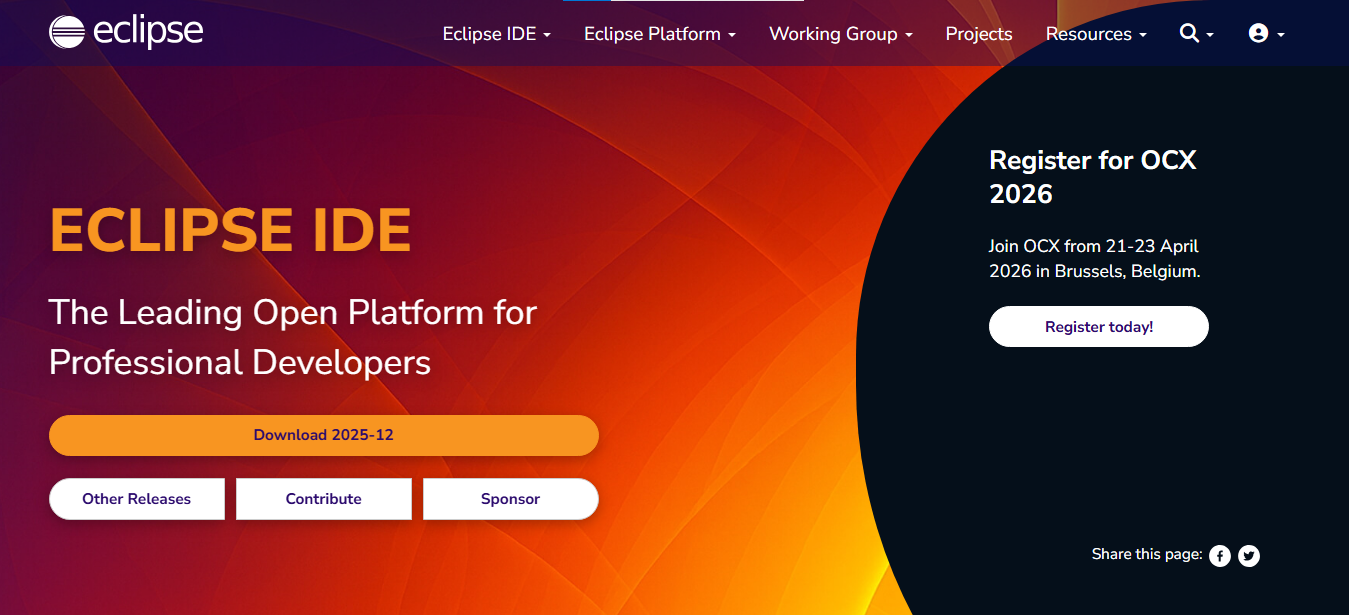
It is one of the best IDE for node.js application development as considered by developers. Eclipse is a developer workspace and cloud-based JavaScript IDE, which is built for the team and organization to manage the development simultaneously.
The workspace by eclipse includes runtime and IDEs, a RESTful API server and SDK for plugin and assembly development.
The features which make it suitable for NodeJS development are IntelliSense, key binding, refactoring, and a few more. To develop a node.js application smoothly, eclipse grants a ready-to-go stack and pre-installed debugger.
Eclipse Characteristics:
- Git Integration
- Both software and browser based IDE
- Eclipse Java development tools
- Code recommenders tools
- SSH terminal
- Light theme
- Customization of built-in plugins
Read also: Top 10 Node.js Performance Tips for Faster Applications
6. Atom

Atom IDE is an open-source editor running on an electronic framework with pre-installed, four UI and eight syntax themes. Just like virtual studio, it is supported on all operating systems, i.e., macOS, Linux, and Windows.
The integrated codes are HTML, CSS, JavaScript, and Node.js. Additionally, the in-built package manager allows developers to work directly with Git and Github.
Atom Characteristics:
- Cross-Platform
- File system browse
- Find and replace tool
- Smart autocompletion
- Multiple panes
7. Cloud 9
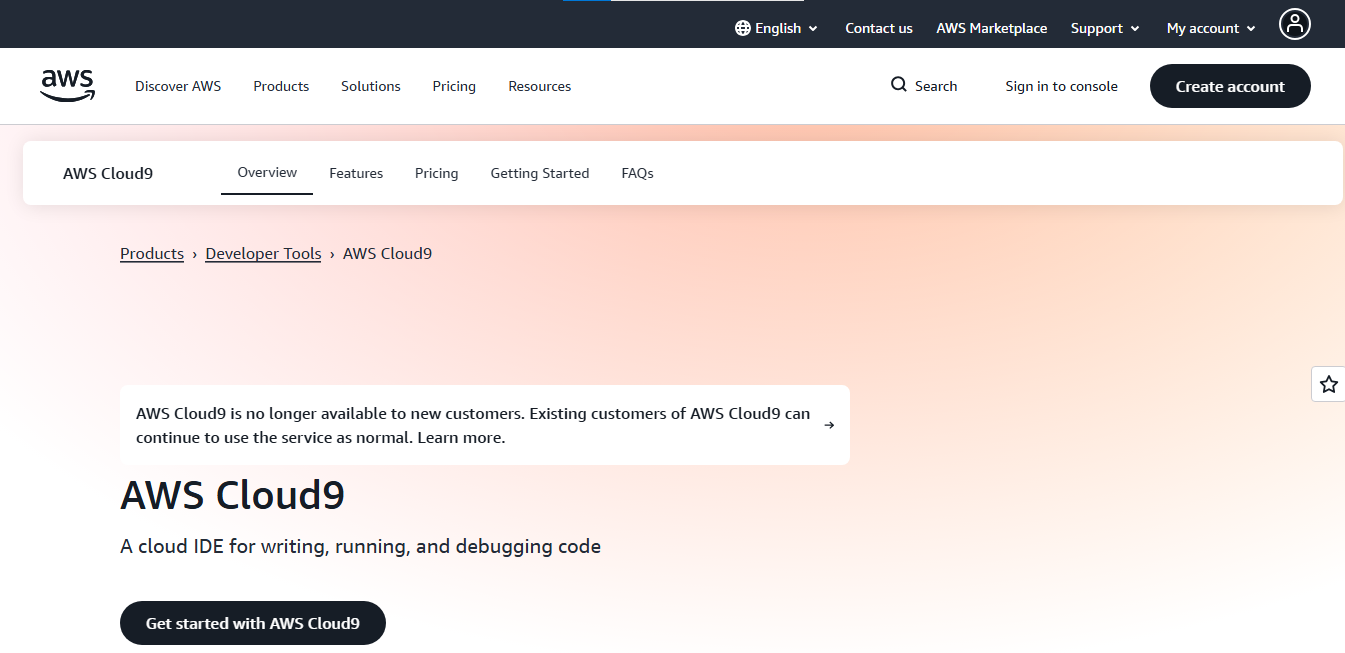
AWS Cloud 9 is a cloud-based IDE, where a developer will have numerous options to run the code such as C++, python, Node.js, Rube and more. Thus, a node.js application can be built with this online code editor and debugger.
This IDE is widely adopted by many developers because of its extensive features like key binding editor and live preview, to name some. Hence, the application development with the JavaScript framework can be built using this powerful IDE.
Cloud 9 Characteristics:
- Integrated tools for serverless development
- Built-in image editor
- Collaboration of code editing and chat
- Built-in terminal
- Connectivity to any Linux server
8. Brackets
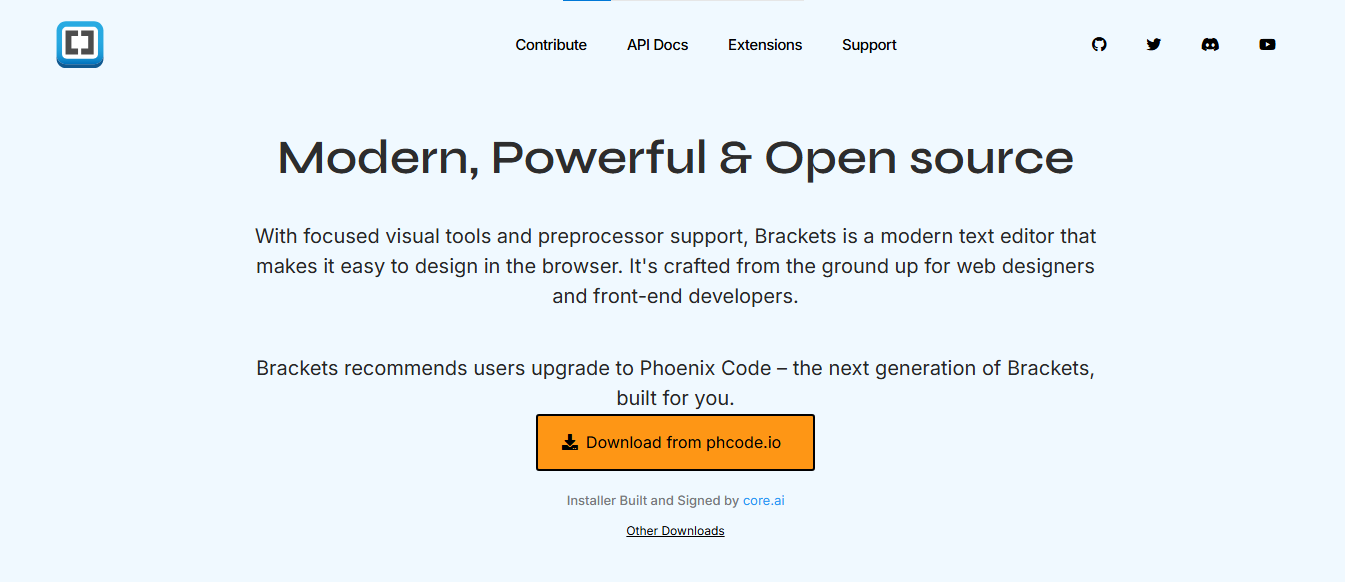
An IDE developed by Adobe is most widely used for JavaScript development. The extensive feature of bracket is that a developer can run multiple NodeJS processes, NodeJs platform, and gulp script.
Brackets are considered to be the best node.js IDE for providing features like inline editing, preprocessor support, command line integration, live previewing, etc.
Node.js IDE has made its mark in the development market and has eased the developer’s task with in-built functionalities and adding to it hire programmer from India has become a perfect combination to develop high quality solutions with ease.
The in-built syntax hint from directory content eases the coding process for developers and supports programming languages like HTML, JS, NodeJS, and CSS.
Bracket Characteristics:
- js debugger
- Split view
- Fast, automatic code completion
9. Komodo IDE
Komodo IDE is a cross-platform IDE, where a developer can build an application using programming languages such as Node Javascript, Ruby, Perl, and many more.
Hire Node.js developers to run commands, track changes, create custom configurations, use shortcuts, and implement similar changes with multiple selections.
Komodo IDE characteristics:
- Syntax Highlighting
- Code intelligence
- Markdown and DOM viewer
- Built-in browser
- Graphical debugging
- Version management
- Split view and multi-window editing
10. Koding

It is a cloud-based IDE that provides a developer interface and team managers. It is an open-source tool used for application development using scripting languages like Node JavaScript, Ruby, MySQL, and more.
Developing an application with Koding will have the benefits of syntax highlighting, workspace, code preview, and much more. The multi-cursor support allows the developer to amend the similar changes at once.
Koding Characteristics:
- Seamless support for cloud providers
- Seamless and powerful dev environment
- Coding in browser
- Preserve the workflow
- No hardware restrictions
- Flexible and intuitive IDE
- Deploy multiple VMs
- SSH and Sudo access
💡 Did you know?
Visual Studio Code dominates GitHub with 181k stars, far ahead of Atom (61k), Brackets (33.1k) and IntelliJ IDEA (19.6k), making it the most popular Node.js IDE.
Comparison Table: Best Node.js IDEs (2026)
Here’s a quick comparison of the most popular Node.js IDEs, focusing on usability, platform compatibility, and real-world adoption.
| No. | IDE | Platform | Best For | Pricing |
| 1 | Visual Studio Code | Win / Mac / Linux | All-purpose Node.js development | Free |
| 2 | WebStorm | Win / Mac / Linux | Enterprise JavaScript projects | Paid |
| 3 | IntelliJ IDEA | Win / Mac / Linux | Full-stack enterprise apps | Paid |
| 4 | Sublime Text | Cross-platform | Lightweight coding & text editing | Paid |
| 5 | Eclipse IDE | Win / Mac / Linux | Team & large-scale projects | Free |
| 6 | Atom | Cross-platform | Open-source workflows | Free |
| 7 | Cloud9 | Cloud | Remote collaboration & cloud coding | Paid |
| 8 | Brackets | Cross-platform | Web & UI development | Free |
| 9 | Komodo IDE | Win / Mac / Linux | Cross-language development | Paid |
| 10 | Koding | Cloud | Cloud workspaces & collaboration | Free/ Paid |
eSparkBiz’s developers leverage top Node.js IDEs for faster delivery and quality code.
Summing-up
Node.js IDEs are gaining a lot of attraction among the developer community, and the reason for that is, it allows you to build lightweight applications.
There are some more tools available in the market for fast and efficient development processes. If you are examining IDE for the Node.js tool to boost the enterprise application development process, the aforementioned list comprises the best IDE for node.js.
To set up your project or enhance the existing node js application, reach out to eSparkBiz’s Node JS Developers to turn your project into a quality project.
Frequently Asked Questions
What are the key features to look for in a Node.js IDE?
A strong Node.js IDE should offer code completion, debugging tools, syntax highlighting, integrated terminal, version control support and plugin compatibility. These features improve developer productivity and support efficient application development.
Which IDEs are most popular for Node.js development?
Popular choices include Visual Studio Code, WebStorm, Atom, Sublime Text and Eclipse. Each provides robust code editing, debugging and project management features suitable for enterprise grade Node.js applications.
How does Visual Studio Code support Node.js development?
VS Code offers IntelliSense, integrated debugging, npm integration and a rich plugin ecosystem. Its lightweight design, coupled with real time code feedback, makes it ideal for both small projects and enterprise applications.
Are cloud based IDEs viable for enterprise projects?
Cloud based platforms like GitHub Codespaces offer standardized environments accessible from any location. These tools simplify onboarding and ensure that all team members work within identical configurations, reducing environment related deployment issues.
Which lightweight editors are suitable for Node.js coding?
Sublime Text and Atom provide fast, responsive environments for quick edits. While less feature rich than a full IDE, they support Node.js through community packages, making them efficient for smaller scripts or microservices.